10. Automatic alerts
Alert overview
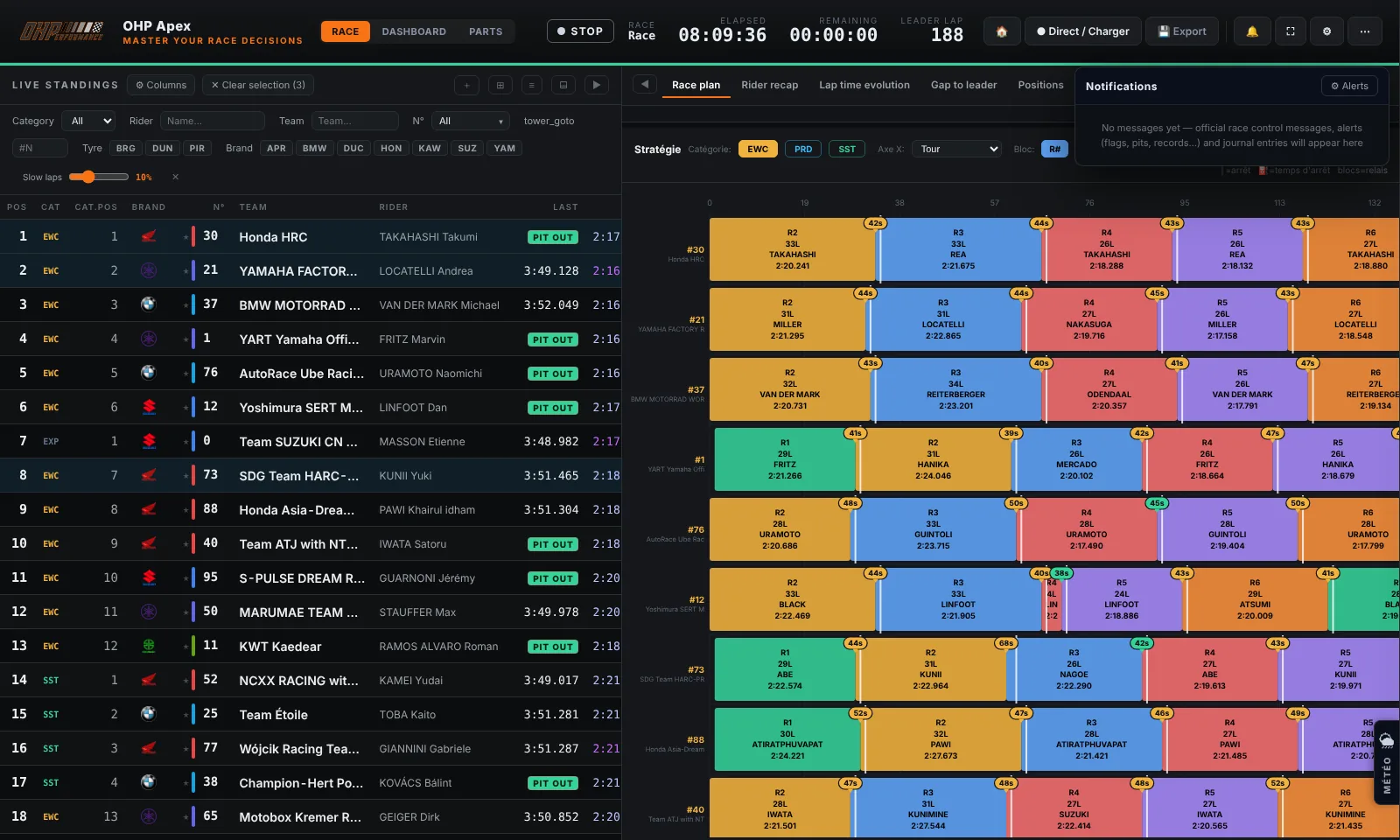
OHP Apex automatically monitors certain race events and displays visual notifications in the corner of the screen. These alerts ensure you never miss anything, even during intensive analysis.
Alert types
| Type | Trigger | Recommended action |
|---|---|---|
| 🔴 Flag change | Race control changes the flag (GREEN → SC, SC → GREEN…) | Check the impact on pit stop strategy |
| 🟠 Pit Stop | A monitored bike enters the pits | Time the stationary duration |
| 🟢 Best lap | A bike beats its own best lap | Identify bikes in good form |
| 🟣 Best Field | A new overall best time is set in the race | Monitor who is setting the reference |
| 🔵 Position change | A monitored bike gains or loses a position | Track the standings evolution of key bikes |
Configure alerts
- Click the "🔔 Alerts" button in the top bar.
- The alert configuration window opens. Tick the types of events to monitor.
- Select the bikes to monitor (your main bike + direct competitors).
- Click "Save". Alerts are active immediately.
Info
🗣 Voice alerts: the "Voice alerts" option speaks race events out loud (flags, stops, records, positions, race control messages) — handy at the pit wall when you're not watching the screen. Off by default; the voice follows the interface language and the volume follows the Sound slider.
Tip
Tip: Configure alerts for the 3–5 closest competitor bikes in the standings. Too many alerts can be distracting.