5. Replay Mode — replaying a session
What is Replay?
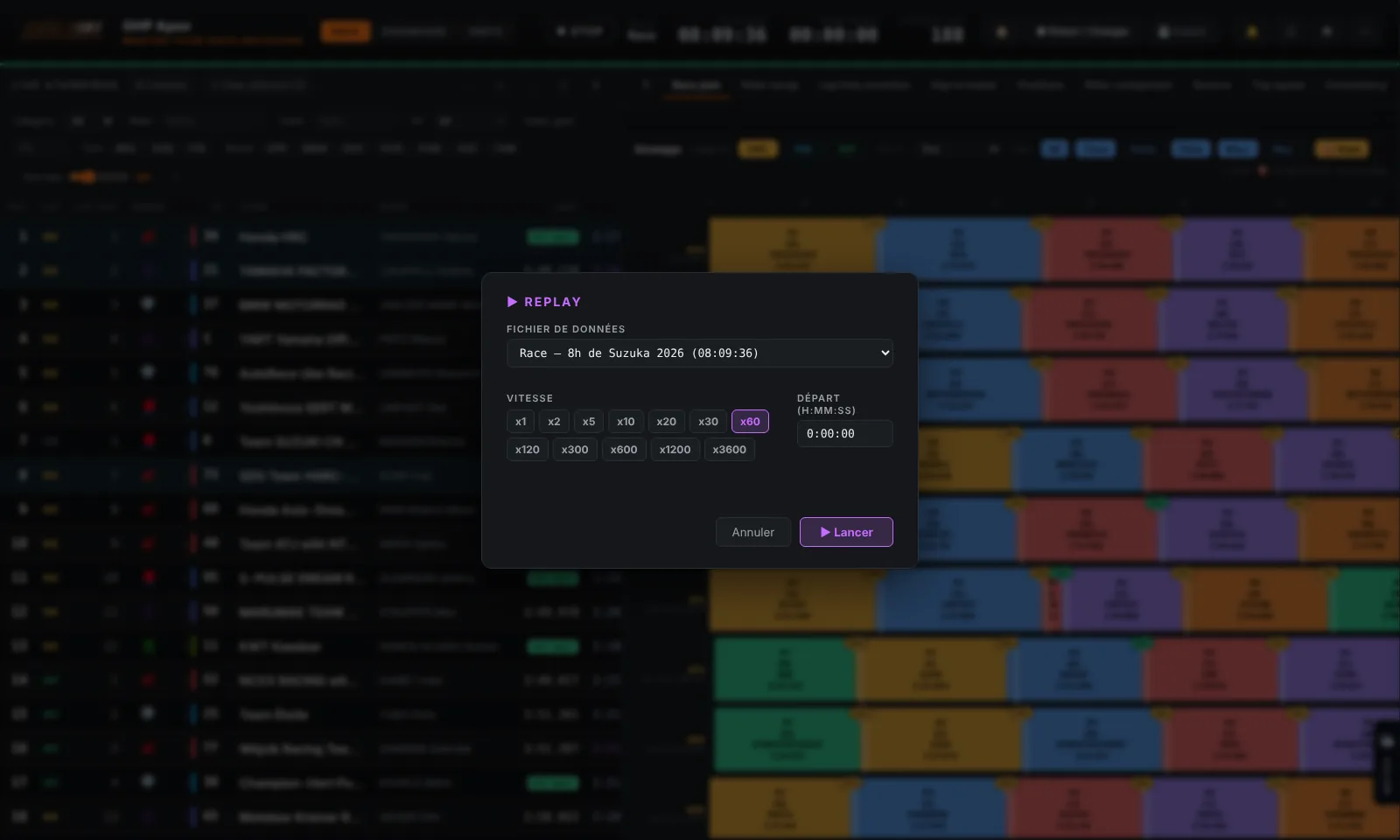
Replay Mode lets you replay a recorded session as if it were happening live. You can control playback speed and choose the starting point. It is ideal for post-race analysis or training.
Info
Required format: A session .json file recorded by the OHP Apex collector. These files can be created during a live session and exported.
Launch a Replay
- Click the "▶ Replay" button in the top bar.
- A window opens to select a file. Navigate to your session
.jsonfile and double-click to load it. - The session name and total duration are displayed automatically.
- Playback speed: Choose a speed from the available buttons (x1, x2, x5, x10, x60…). Speed x60 is recommended for a quick overview.
- Start from: Enter a start time if you wish to begin mid-session (format HH:MM:SS, e.g.
02:30:00to start at 2h30 of the race). - Click "▶ Start". The standings animate and scroll at the chosen speed.
Stop Replay
- Click "■ Replay (on)" in the top bar again to stop playback.
Tip
Available speeds: x1 (real time), x2, x5, x10, x20, x30, x60 (recommended), x120, x300, x600, x1200, x3600.