9. Filters and selections
Available filters
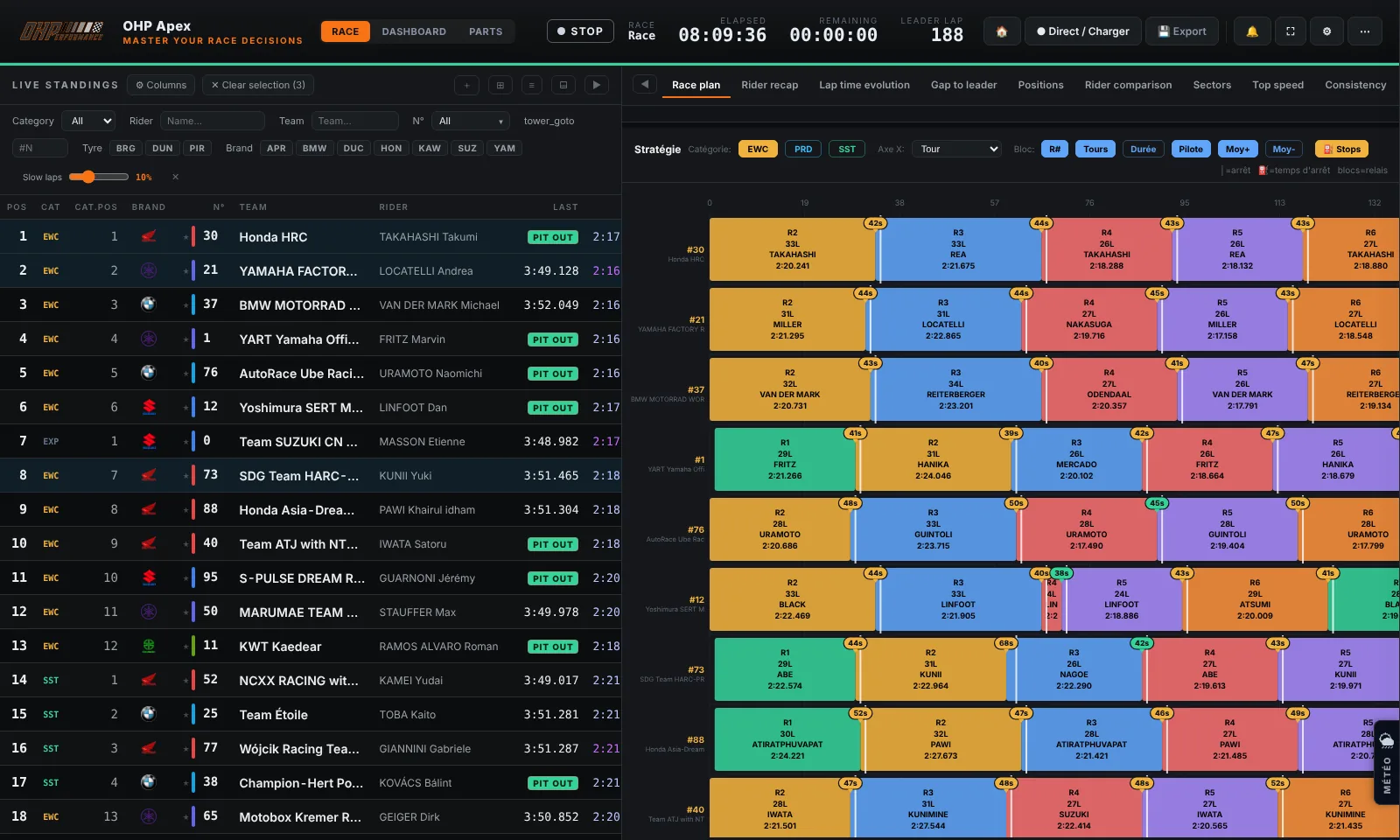
Filters let you restrict the standings to show only the relevant bikes. They stack: you can filter by category AND by brand at the same time.
| Filter | Possible values | Effect |
|---|---|---|
| Category | EWC, Stock 1000, SST, All | Shows only bikes from the selected category in the standings |
| Rider | Free text (partial name accepted) | Filters rows whose rider(s) match the input |
| Team | Free text (partial name accepted) | Filters by team name (e.g. "YART" shows all YART bikes) |
| Number | Selection by race numbers | Shows only bikes whose number is selected |
Category filters inside the analysis tabs. The Top times, Best sectors and Max speed tabs have their own category buttons (EWC, SST, Stock 1000 — each with a colour dot) to narrow the table down to one or several classes; with no selection, every category is shown. In Best sectors and Max speed, a "+ All bikes" button adds the whole field to the selection in one click — handy to compare a full category without ticking each bike.
Data cleaning threshold
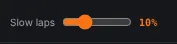
The cleaning threshold (Clean %) is a slider that filters "abnormal" laps from average and σ calculations. A lap is considered abnormal if it exceeds the bike's best lap × (1 + threshold%).
Examples
| Threshold | Effect |
|---|---|
| 5% | Excludes laps > best +5% (strict) |
| 10% | Default value, balanced |
| 20% | Tolerates more variation (qualifying) |
| 50% | Keeps almost all laps |
Tip
When to use it? In endurance racing, pit stop laps and safety car laps are excluded thanks to the cleaning threshold. Set it to 10–15% for reliable analysis of actual pace.
Customise columns
Click the "Columns" button to choose which columns to display in the standings. Tick or untick as needed.
Info
Column preferences are saved automatically and restored at the next launch.